May 29, 2026

XCTrack Pro Widgets – Xcontest2

This page gives details on the widgets that are in the “Xcontest” subsection. They can be accessed by customizing the XCTrack Pro pages pre-installed on AIR³. Remember that your customisations will be lost if you reset XCTrack Pro interface with AIR³ Manager, if you change the profile (Kiss, Easy, Expert, Paramotor) or if you load a different configuration file ‘xcfg’.

Click on the + sign to read the details.

Flown XC Distance
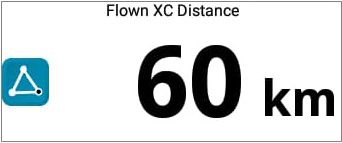
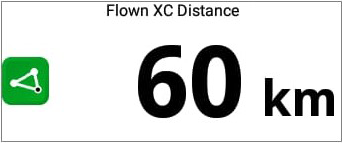
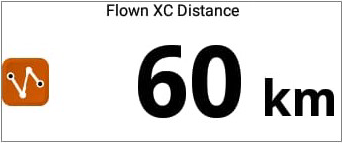
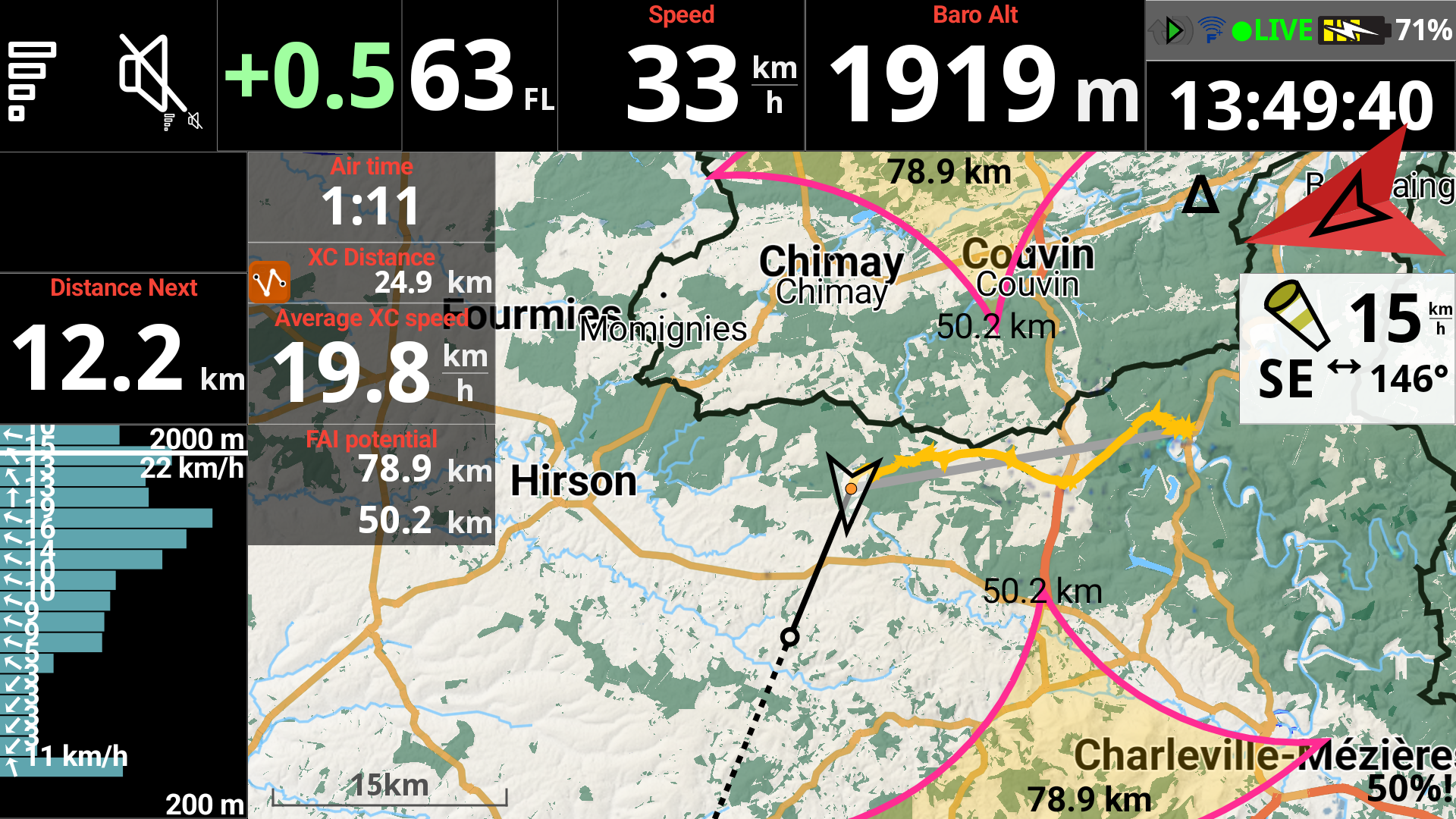
The widget is indicating the calculated XC distance according to the type of course found in the current tracklog.

Depending on the type of  course: free distance over 3 turnpoints, FAI or Flat triangle (Look on XContest website for more details about triangles), an orange, blue or green logo will be displayed.

FAI Triangle

Flat triangle

Free distance

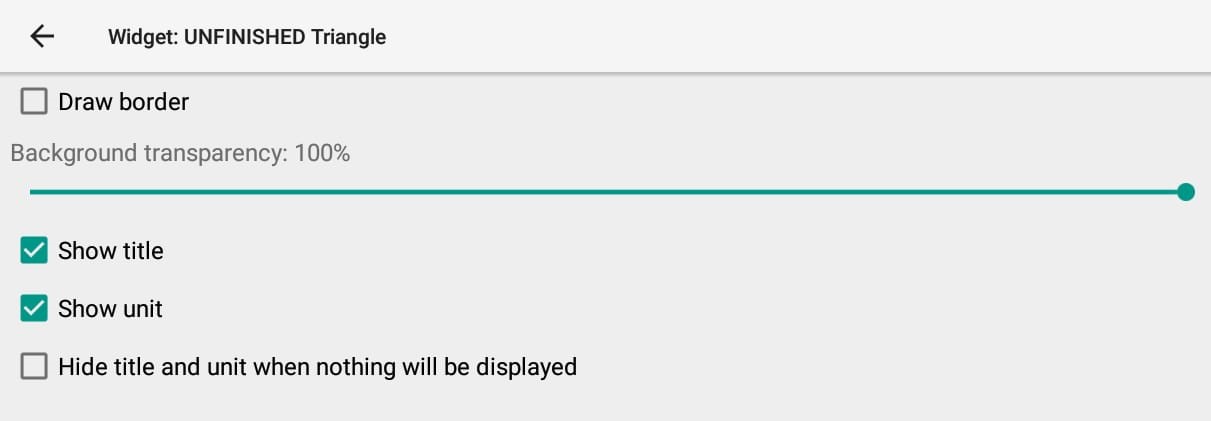
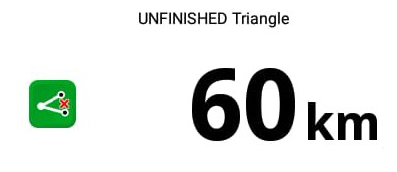
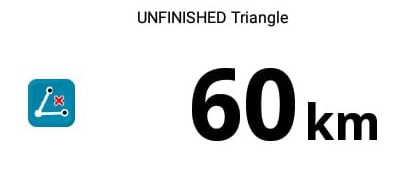
UNFINISHED Triangle

Distance of the flat or FAI triangle flown IF you make it back to takeoff.

Depending on the type of triangle, FAI or Flat (Look at the rules on XContest website), a green logo or a blue logo will be displayed.

Flat triangle

FAI triangle

Average XC speed

Average speed of the XC course over 3  turnpoints, calculated since takeoff.

Next section

en_USEnglish